Clicky

L O A D I N G
Freshen Application
Case Study - Freshen Application

Freshen – online meat e-commerce app development

About Us

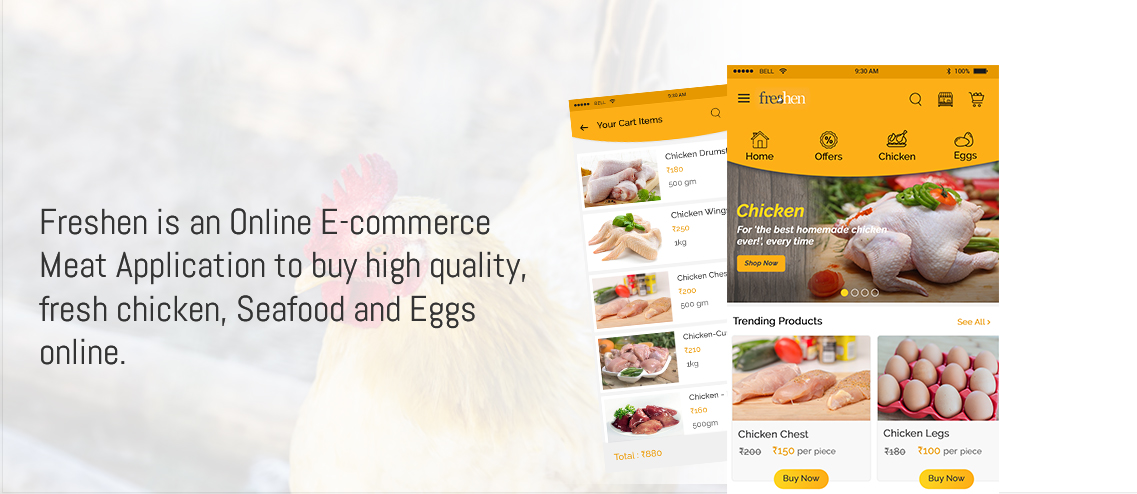
Freshen is an online meat e-commerce software that makes it easy for customers to order fresh chicken, fish, and eggs at the convenience of their home. Freshen tries to provide a convenient platform to enable customers to shop conveniently for quality meat products.

Freshen intends to be the convenient platform where consumers can get all their daily meat needs, enabling consumers in Hyderabad to shop for products on the platform conveniently. Freshen combines fresh meat and seafood products on a single platform, making it convenient to purchase meat products online.

Project Snapshot
Project
Freshen Application
Platform
Mobile App
Built with
Android iOS Zend / MVC PHP MySQL HTML5, CSS3, JS
Delivered by
Tvisha Technologies
02
  • Meat Market Place on the Web
    Freshen offers an easy-to-use e-commerce portal where customers can buy their fresh chicken, seafood, and eggs online.

  • Availability of Fresh Products
    All kinds of meat and seafood products are offered by this application in a single place for the benefit of customers who can easily locate products based on their needs.

  • Online Purchase of Products
    Customers have an easy way to look at the products available online and then choose their favorite items to purchase.

  • Easier Shopping of Fresh Meat Products
    It is an application that makes it easy to shop for fresh meat for customers in Hyderabad.
Have a similar project in mind?

Tell us what you're planning and our team will get in touch to talk it through.

I'm looking for

What's inside

Integrated Features

6 key features built into Freshen Application

User Signup & Login 01

User Signup & Login

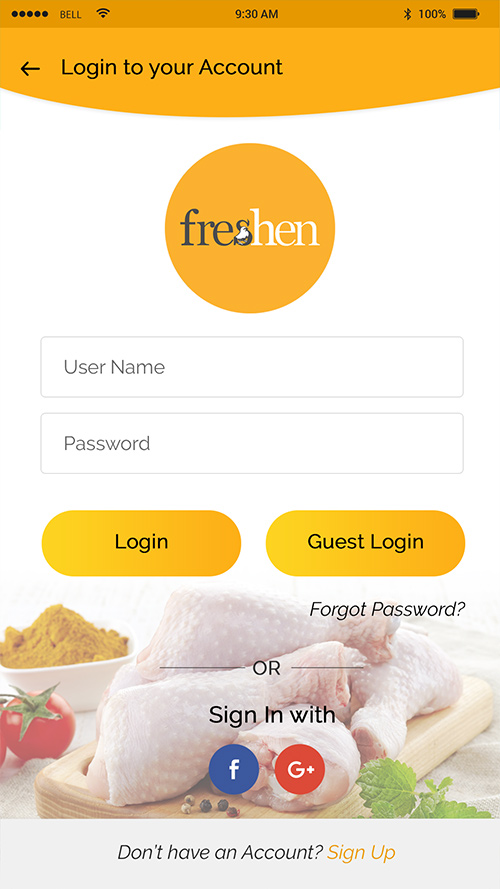
This feature helps the User to signup into the application by filling a signup form. Once the signup is completed, the user will receive a successful signup message through an SMS. After signing up successfully this feature helps the User to login into the application with valid login credentials. If the user forgets the password, this feature helps the user in retrieving his / her password through an SMS which will be sent to the contact number entered during Signup.

Meat Type 02

Meat Type

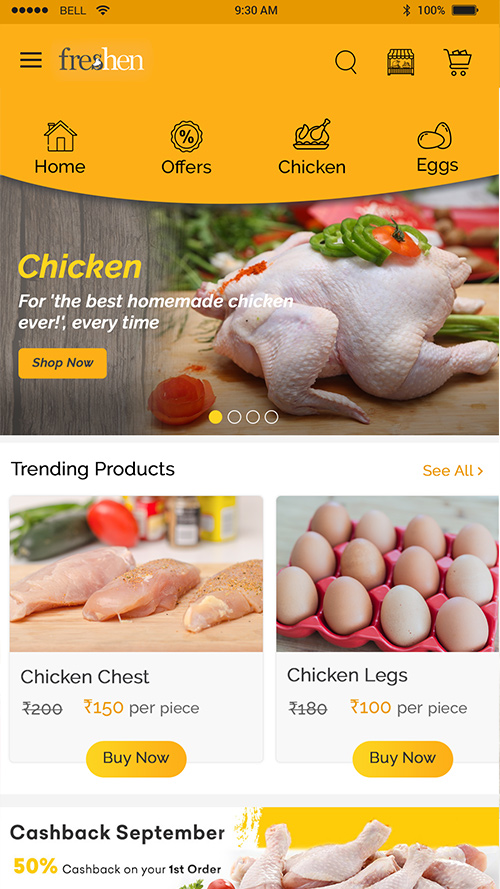
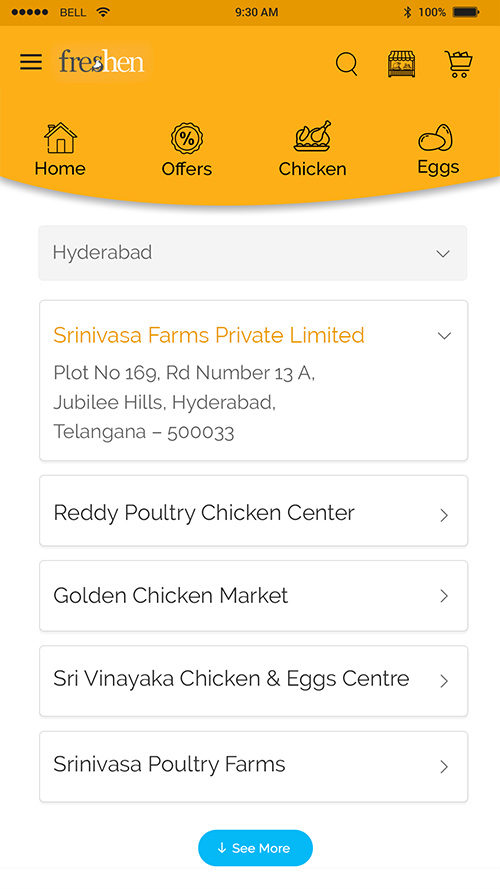
Admin will add, edit and delete the type of meat in the application using this feature. The user can view the category list and select the item from the categories like Chicken, Egg, and Seafood.

Online / Mobile Ordering Type 03

Online / Mobile Ordering Type

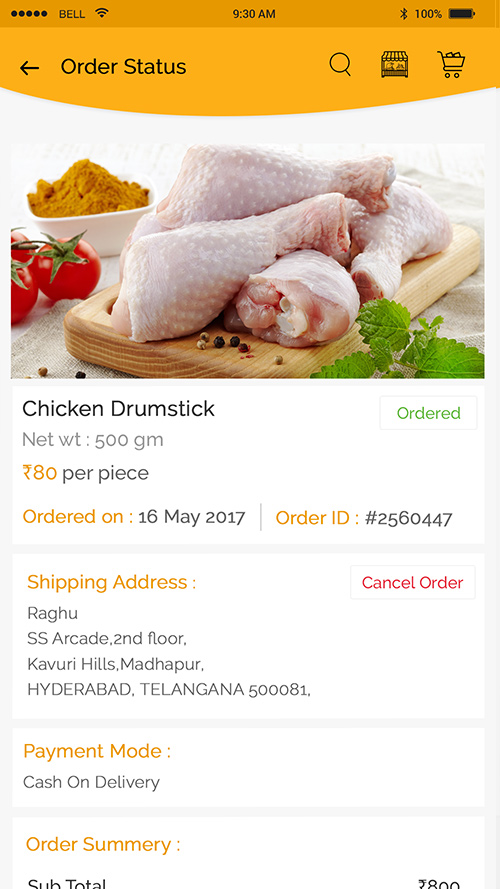
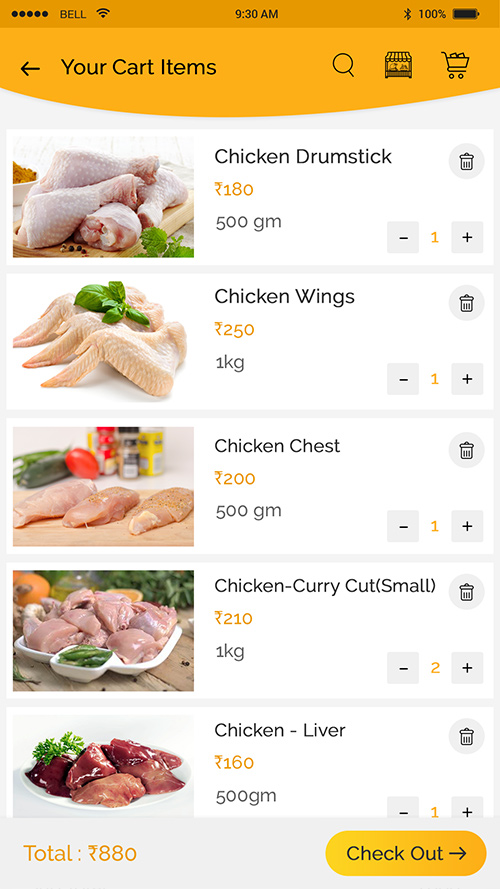
Using this feature user can place an order through web and Mobiles if registered into the app. This feature helps the user to search and select the items based on categories and subcategories and place an order. This feature helps the owner of the app in receiving the user orders list and assign orders to the delivery boys, by giving some ETD for the users.

Online Payments 04

Online Payments

Once the user avails the booked services, he can pick the mode of payments like Online, cash or Wallet. After selecting the mode of payment user can complete the payment for availed service and receive a payment confirmation message from the app owner. If user payment fails he/she will receive an SMS or in-App notification for unsuccessful payment.

Delivery 05

Delivery

Using this feature admin can add, edit and delete delivery boys into the application. Admin can assign orders to delivery Boy using this feature. Delivery boys will receive order list from admin, receives user details and navigates to user location using Google maps

Rating & Feedback 06

Rating & Feedback

This feature enables the user to rate the service and the application. The user can give feedback on the service that was availed by him/her. User can also view the list of ratings and feedbacks of already existing Users.

App Screens

Request A Call Back