Clicky

L O A D I N G
Gussmann
Case Study - Gussmann

Gussmann – fleet management app development

About

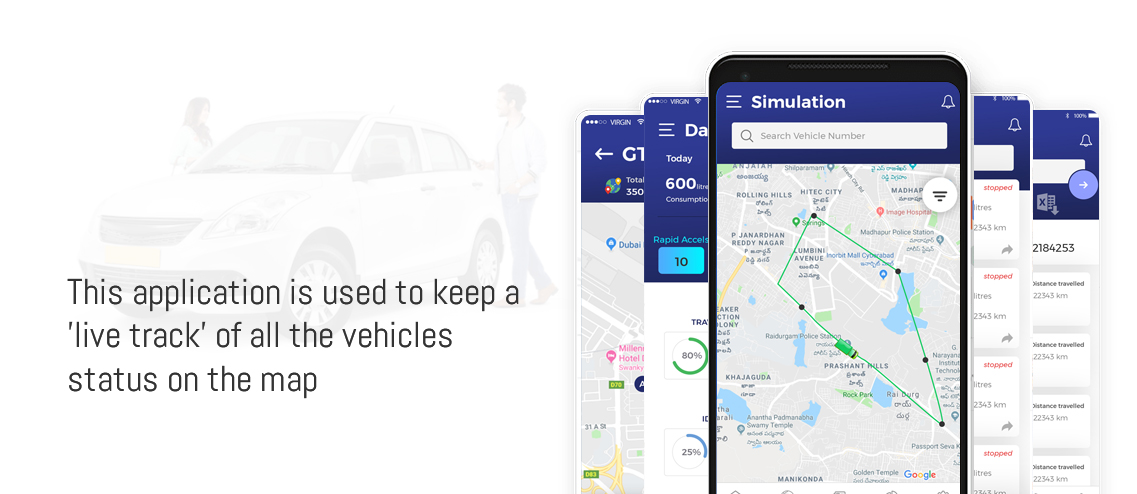
The Gussmann Technologies application is a fleet management application that can assist companies in effectively tracking their fleets. The application has a feature that allows for live tracking of the fleet on a map to see the exact position and current status of their fleet.

It enables the user to monitor speed and Geo-Fencing violations, sending notifications in case of speeding and breaching the specified boundaries. Moreover, users can monitor the fuel level, refueling, and receipt number.

Project Snapshot
Project
Gussmann
Platform
Mobile App
Built with
iOS
Delivered by
Tvisha Technologies
02
  • Vehicle Movement Simulation – Users can input the starting point and ending point of the vehicle movement simulation.

  • Vehicle Movement Control – Users can control vehicle movement by remote means from within the application.

  • Important Events and Activity Tracking – Users can monitor the important events and activity related to the vehicle.

  • Braking Alerts – Users will be notified about the harsh breaking incidents.
03
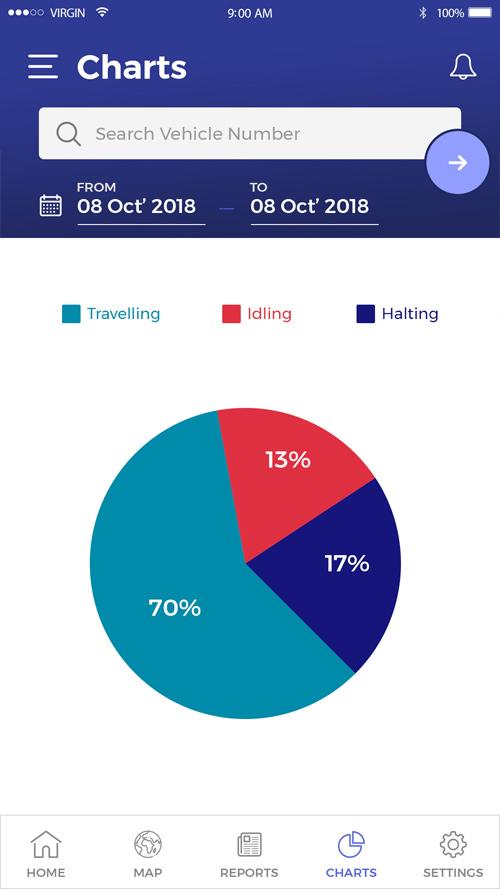
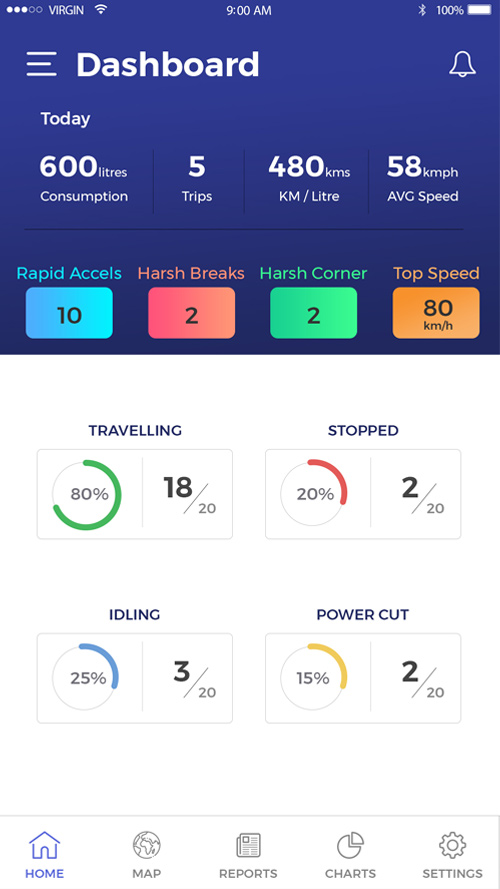
  • Vehicle Status Monitoring – Track vehicle status by tracking their Idle, Hailing and Working periods.

  • Real Time Alerts – Get alerts regarding power loss, ignition, panic, tow, delay and harsh braking.

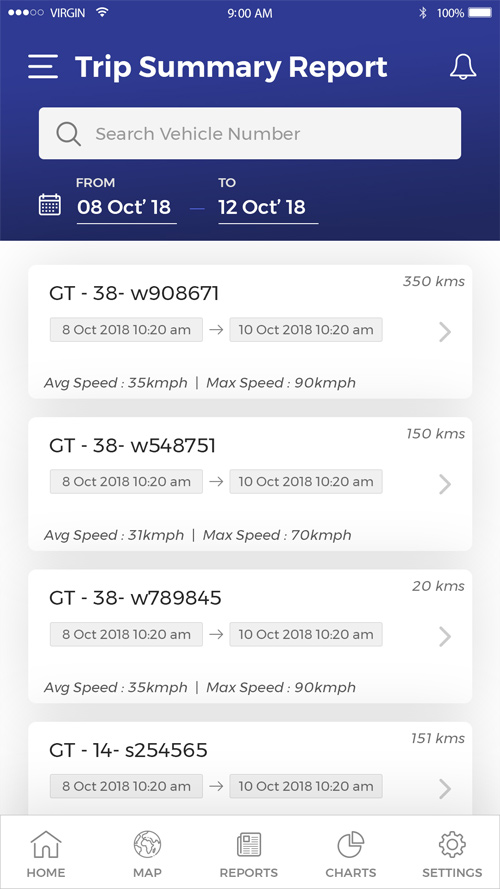
  • Trip Summary Reports – Track and analyze the trip summary for each vehicle.

  • Integration with Vehicle Tracker – Integrated with the vehicle trackers APIs and SDK to get data easily.

  • iOS Application Development – Tvisha made the iOS application development whereas the admin panel and android app were already present with the client.
Have a similar project in mind?

Tell us what you're planning and our team will get in touch to talk it through.

I'm looking for

What's inside

Integrated Features

6 key features built into Gussmann

Immobilisation 01

Immobilisation

With the help of integration of vehicle tracker attahced to the vehicle, the engine power can be turned On or Off at any point of time. This feature allows a user to keep the vehicle in safety.        For the security purpose, a user have to give password to immobilise a vehicle.

Live Tracking 02

Live Tracking

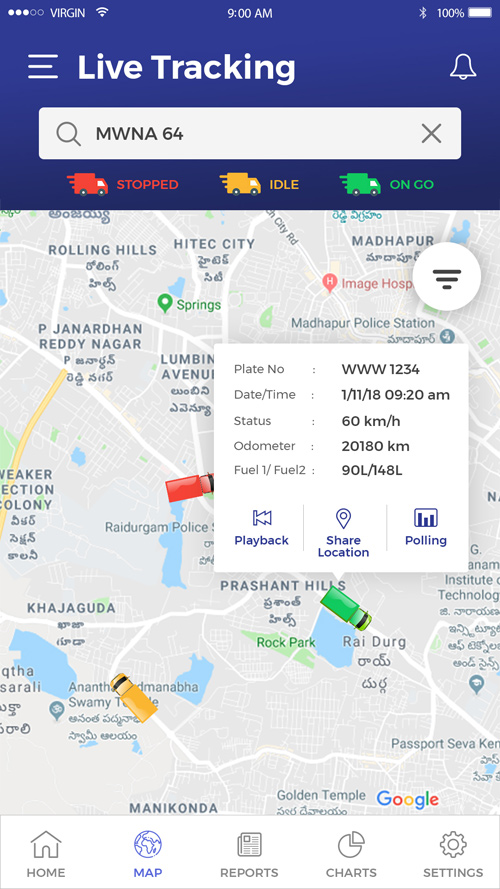
The live tracking feature alloiws a user to track the vehicle live on the app. The vehicle details like fuel status, vehicle status (Idle, running, Stopped), Odometer can be seen on the map. The type of map can be changed to Point of interest, Geo Fence, Auto pan. Traffic, Road Geo can be changed.

Simulation 03

Simulation

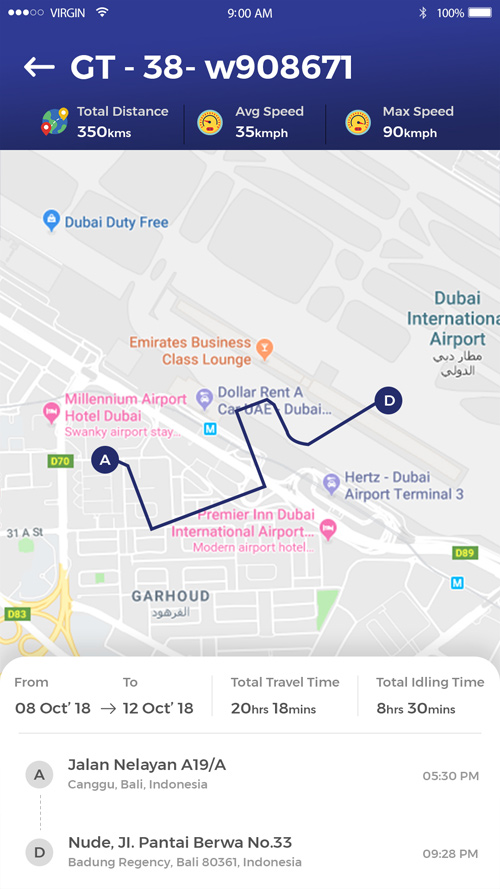
For the vehilce trip summary, user can select a trip, and view the vehicle simulation on map. The live location where the vehicle was travelled along with date and time, with average speed and maximum speed, vehicle total fleet, etc can be seen. User can also share the vehicle location to other users through 3rd party social media applciations.

Polling 04

Polling

Though a tracker is connected with vehicle, but due to some server issues, vehile may not display any activity. At this moment, poll feature allows a user to send a request to server team of a particular vehicle to know the current location. The server tea, will repond back with the current location of a vehicle

Fuel Reports 05

Fuel Reports

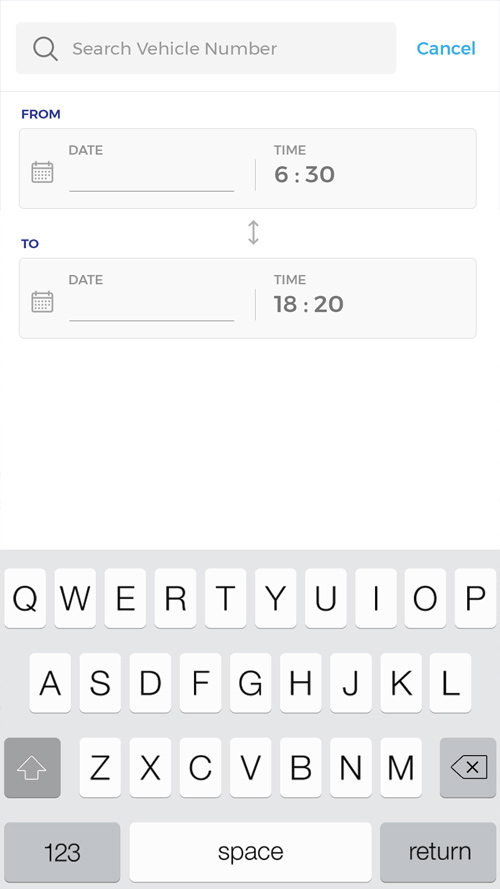
Fuel reports allows a user to view the current fuel status of a vehicle, and the history. User will have to select the vehicle, from and to time, where user can view the details of fuel trip wise. It also allows a user to view the time and date when the vehicle fuel was refilled, total odometer at the time of refilling, Total distance travelled on the current available fuel.

Geo Fence Reports 06

Geo Fence Reports

Admin can set the geo fence, so that when ever a vehile crosses a geo fence, user will be notified with an alert. This geo fence feature also allows a user to view the history of vehicle that how many times a vehicle has crossed geo fence, The im-Time and Out Time of the vehicle to cross and back to actual lcoation and the location name.

App Screens

Under the hood

Technology Stack

The tools and platforms we used to build Gussmann

Request A Call Back