Job
enquiry:+91-9121642626
Job
enquiry:+91-9121642626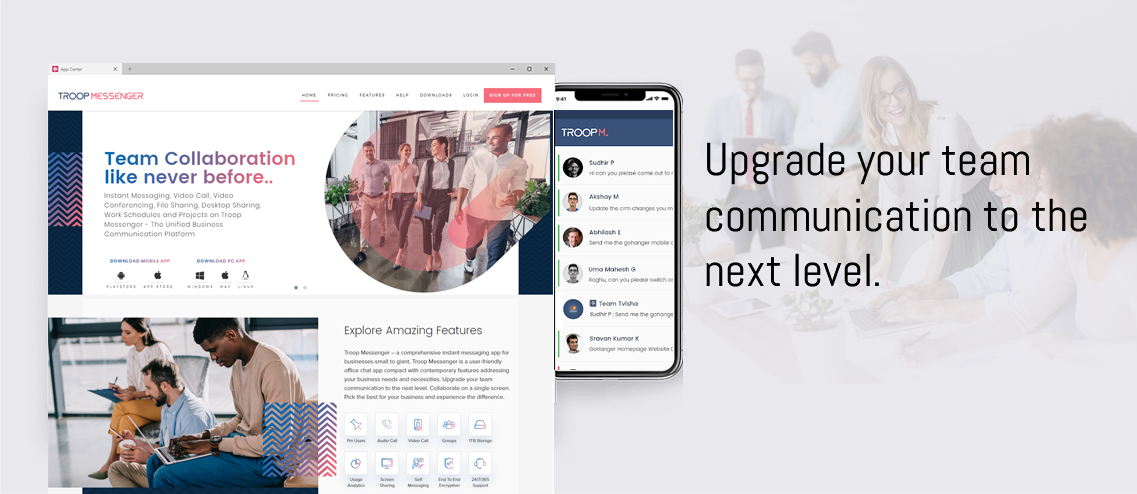
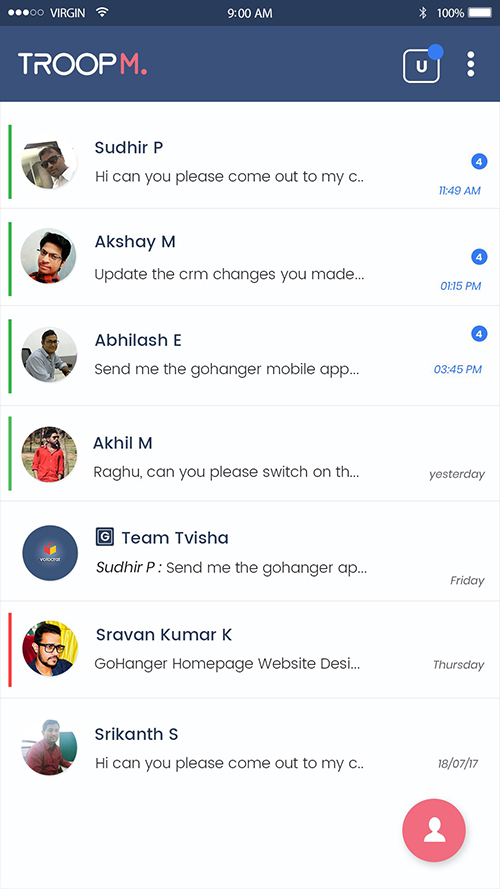
Troop Messenger is a business chat application developed by Tvisha Systems to offer the best team collaboration. The user who is a part of an organisation can make a seamless and uninterrupted one-on-one and group messaging chat conversation with this application. Troop Messenger is popularly known as one of the best internal communication tools for every intra-office team collaboration. It’s being lauded by many of the industry experts for its intuitive and impressive UI/UX design.
Highlights
- Available with the variants of the desktop app, mobile app, and web app.
- You can choose from the SaaS, On-Premise, Chat APIs, and Custom app service models.
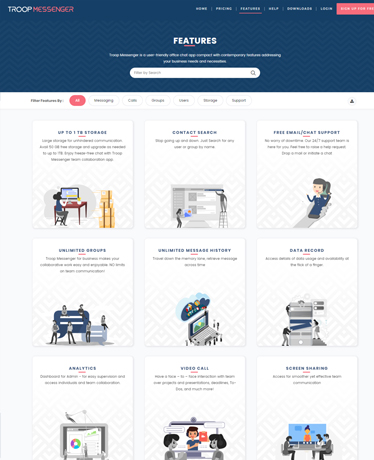
- Provides secured team communication with end-to-end encryption, Multi-Factor Authentication, Burnout, role-based access controls, UNITs, etc.
- Troop Messenger has been made for all kinds of internal office communication, such as work conversations, screen sharing and team meetings, and file sharing.
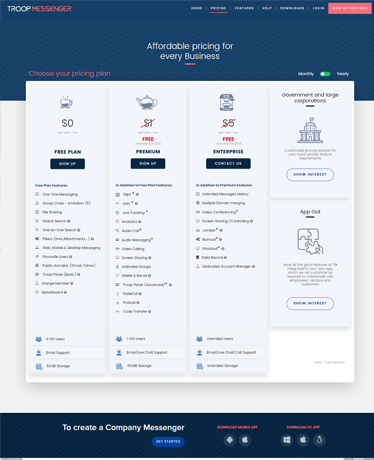
- It offers a free trial for its Enterprise features, and the paid plans include Premium, Enterprise, and Superior(upcoming).
- The chat area filters in this application allow a user to filter a message, files, images, videos, on a single click instead of searching the whole chat.
- The self-messaging feature allows a user to save any file or a message instantly.
- Troop Messenger’s round the clock 24/7 support services help the user to contact the support team at any moment for any kind of technical assistance.
- Attachment preview for text files, PDFs, images, and videos for quick access to information.
- Forkout Messaging is for bulk messaging to multiple users and groups in a single go.
- Code-snippet and joint-code editor for developer collaboration.
- Troop Messenger stores files shared across Troop Messenger along with the files of your local storage.
- The Quick Response Panel stores files of all types for quick sharing.
- Wallpaper for the chat area background.
- Global search filters for users, groups, orange members, and exited users.
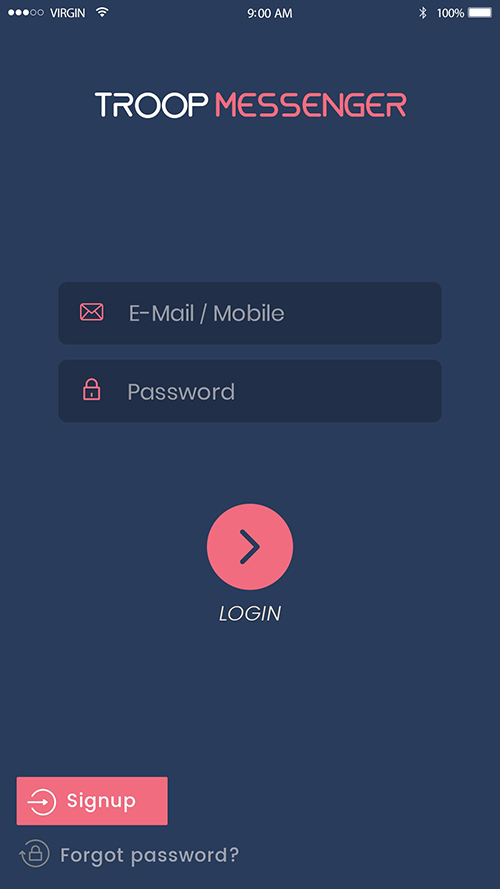
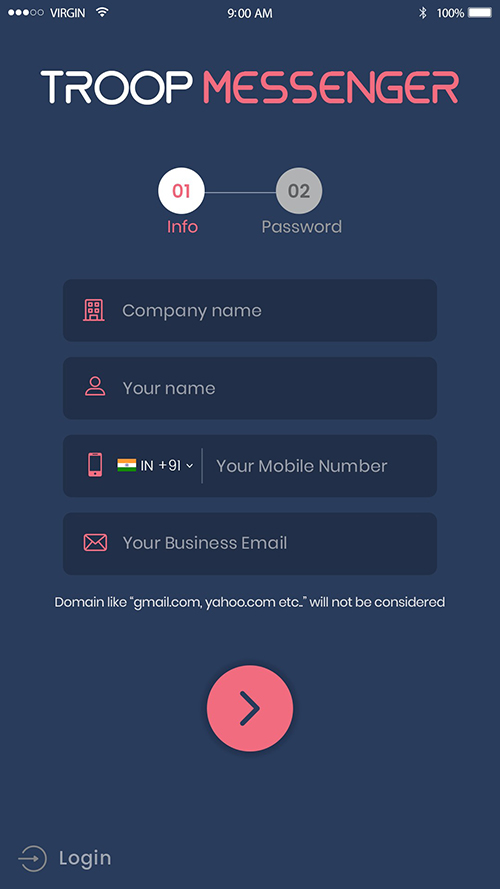
The user navigation across this business chat application is promisingly seamless for any novice user. It is cross-platform enabled; it is available on Windows, Linux, Browser, Android, and iOS. Business users can sign-up for free with their valid business mail id, and feel the amazingly designed intra-office communication tool for endless team collaboration. It’s been lauded by TechTimes Journal as one of the best office chat applications of 2018.
- Defence-validated tool
- A unified platform for Startups, SMEs, Government, NGOs, Defense, and others.
- Zapier integration that helps to connect with 5000 daily apps.
- Troop Messenger is available in international and regional languages.
- Enterprise-grade admin dashboard for controlling the user-side application.
- TM-Monitor (Lawful Interception) to monitor the conversations of the employees
- In-app integrations of Google Drive, Dropbox, Cattle call, LDAP-SSO, and others.
- Storage of up to 150GB in its Premium plan and 1 TB storage in its Enterprise plan.
- Orange Member feature for Guest Users to communicate.
- Wide range of messaging facilities such as 1:1, group chats, Air-time groups, audio messaging, Forkout, Burnout, and message-to-self.
I'm looking for:
Integrated Features






 Whatsapp
 Email
Email