Job
enquiry:+91-9121642626
Job
enquiry:+91-9121642626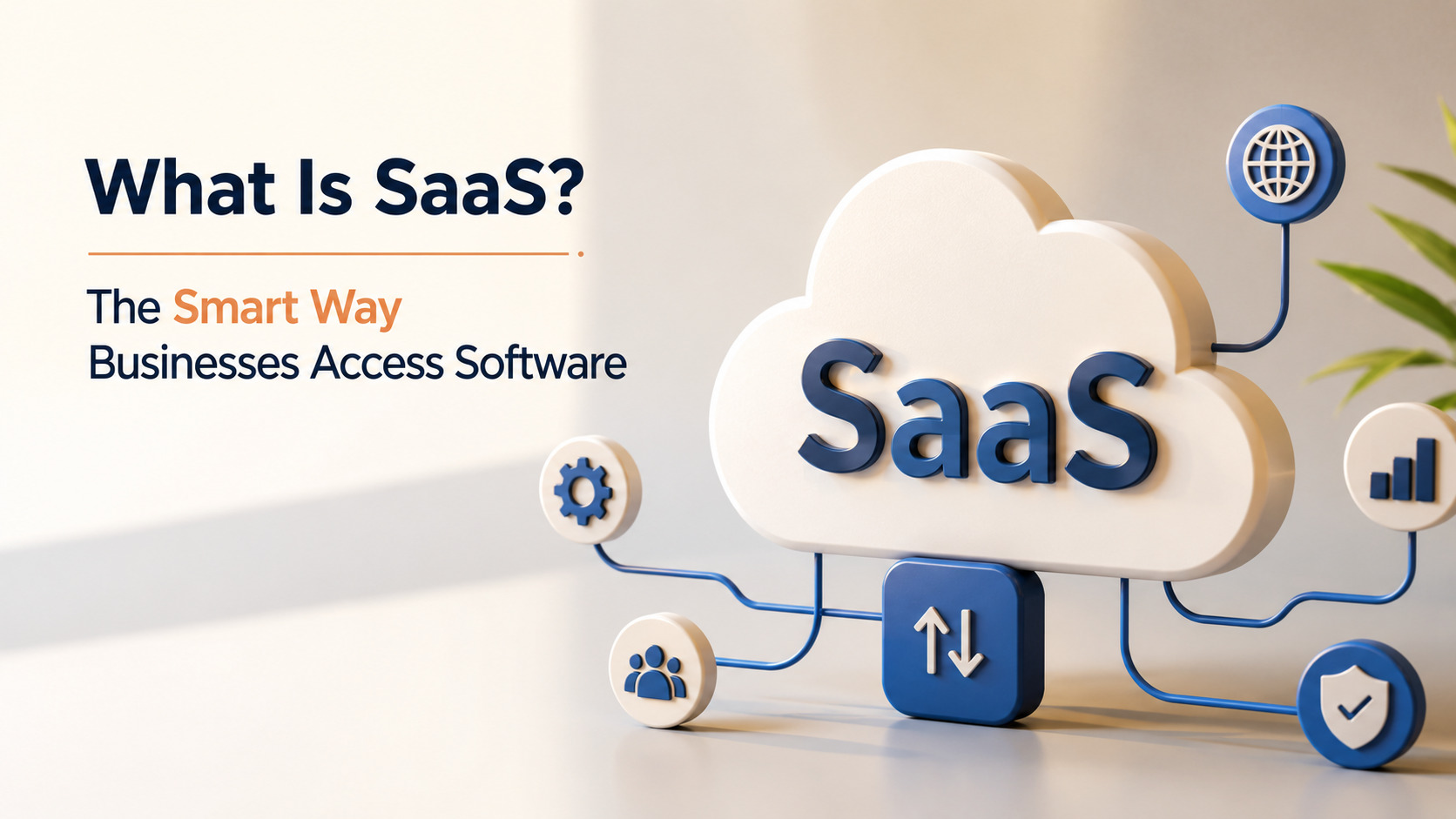
What Is SaaS? The Smart Way Businesses Access Software
Software as a Service (SaaS) has transformed the way businesses access, manage, and use software. Instead of purchasing, installing, and maintaining applications on individual devices or company servers, organizations can access cloud-based software through the internet on a subscription basis. This approach reduces IT complexity, lowers infrastructure costs, and allows businesses to quickly adopt new technologies while ensuring users always have access to the latest features and security updates. From communication and collaboration platforms to customer relationship management, accounting, and project management tools, SaaS has become an essential part of everyday business operations.
In this guide, you'll learn what SaaS is, how it works, its core features, benefits, pricing models, and common use cases. We'll also, discuss its advantages and potential challenges, which help you determine whether SaaS is the right solution for your business.
What Is SaaS?
Software as a Service (SaaS) is a cloud-based software deployment model where a third-party provider hosts applications and makes them available to end-users over the internet. Instead of installing and maintaining software locally on individual computers or corporate servers, users access the application via a web browser or a dedicated desktop and mobile client.
Under this setup, the underlying infrastructure, middleware, application software, and app data are located in the service provider’s data center. The provider manages the hardware and software components, ensuring high availability, robust security, and continuous updates.
How Does SaaS Work?
SaaS is based on an idea. It uses a computing system. This system is usually set up so that many people can use it at the time. This is called as tenant model. In this model one piece of software is used by customers. These customers are called tenants. All the tenants use the system but their information is kept separate and safe.
When a company that uses SaaS makes changes to the software all the users get the version at the same time. This means that everyone has the version of the software. It is not like software where people have different versions.
SaaS uses a way to send data over the internet. This is called HTTPS. When you use SaaS your computer sends a message to the companys servers. The servers then send the information back, to you. This all happens quickly. Because the companys servers do all the work you do not need a powerful computer to use SaaS. You can use it on a laptop, tablet or smartphone.
Types of SaaS Products
The SaaS ecosystem is really big. It covers almost every part of a company. These applications can be put into three groups based on what they do and who they are for.
1. Packaged SaaS
Packaged SaaS is software that's ready to use and can help with specific business tasks. This type of software is used for things like resources, customer relationship management, marketing automation and financial accounting.
Examples of this type of software are Salesforce and HubSpot. They have everything you need to get started, including dashboards and reporting tools so you can start working away without having to make a lot of changes. If you want to know more about how software packages work you can check out DealHubs Glossary on SaaS Packaging.
2. Collaborative SaaS
Collaborative SaaS is software that helps people work together even if they are not in the place. This type of software includes things like messaging, video calls and file sharing.
A good example of this type of software is Troop Messenger, which's a secure way for teams to communicate, Troop Messenger has a lot of features including messaging, voice and video calls and file management all in one place. Because it is a SaaS product teams can use it from anywhere. Know that their communications are safe and follow the rules. Many companies look for software, like this when they want a way for their teams to communicate and they often compare it to Slack.
3. Technical SaaS
Technical SaaS is made up of tools that are built for people who work with computers like IT professionals, developers, system administrators and data analysts. These tools are not about running a business or talking to people they are about helping to build and take care of computer systems.
This SaaS has things like software to look at logs tools to check how well applications are working and programs to help teams work together to develop things. It also has tools to help people understand their business better.
It helps teams that build computer programs to make sure they are working well without having to use equipment. The person in charge of these tools is often someone who makes sure the tools are doing what the company needs them to do. Technical SaaS is very important, for teams that work on computer programs.
Benefits of SaaS for Businesses
The use of Software as a Service (SaaS) is becoming very popular across industries worldwide. This is because SaaS has some benefits over old ways of delivering software.
- Cost-Effectiveness: With SaaS companies do not have to pay a lot of money upfront to buy software licenses and servers. They also save money on things like electricity cooling and server maintenance.
SaaS helps organizations save money on these costs. - Scalability and Flexibility: As a company grows its software needs change. SaaS platforms make it easy to add or remove users increase storage or get features. This can be done instantly by changing the subscription.
- Automatic Updates: The software providers handle all the updates, bug fixes and security patches. This means the companys IT team does not have to install updates or shut down the system.
- Accessibility and Mobility: Since the data is in the cloud employees can access their work from any device with internet. This helps with hybrid work making sure the business can still run even when employees are not in the office.
- Ease of Integration: Modern SaaS tools have connections that allow businesses to easily link different platforms. This helps data flows between tools, like Troop Messenger, CRM systems and task management tools and SaaS makes it easy to connect these tools.
SaaS Pricing Models
The people who provide SaaS services have ways of charging money. They want to make sure the cost is fair for what the customer uses how many people are on the team and what features they need. If you want to know more, about how big companies buy subscriptions you should look at Chargebees SaaS Pricing Models Guide.
|
Pricing Model |
Description |
Best For |
|
Flat-Rate Pricing |
A single fixed price for the entire software suite, offering all features to a set or unlimited number of users. |
Small businesses with predictable needs. |
|
Per-User / Per-Seat |
Charging a fixed monthly rate for every individual user account created on the platform. |
Growing teams requiring linear cost scaling. |
|
Usage-Based / Pay-As-You-Go |
Pricing tied directly to consumption metrics, such as data stored, API requests, or emails sent. |
Infrastructure, data tools, and transactional platforms. |
|
Tiered Pricing |
Multiple packages (e.g., Basic, Pro, Enterprise) offering different feature sets, limits, or support levels. |
Mainstream business applications and SaaS products. |
|
Freemium |
Providing a basic version of the software for free, while charging for advanced features, storage, or enterprise security. |
Tools aiming for rapid user adoption and product-led growth. |
Common Challenges of SaaS
When we switch to software that works completely in the cloud it can be really tough to manage. We have to be careful with some problems that come with it.
- One of these problems is that we need the internet to use SaaS. If our internet connection is bad SaaS will not work well. If the internet is down for a time we cannot use the important things we need to do our jobs.
- We also have to think about keeping our companys information safe. When we use SaaS we have to trust the company that makes it to keep our information private. We have to check them out to make sure they follow all the rules, like GDPR, HIPAA or SOC 2.
- Another problem is that it can be very hard to switch from one SaaS company to another. If we have a lot of information with one company and we want to move it to another it can be complicated and expensive. If the company we are using changes how much they charge or stops doing something we need we have to plan carefully to switch.
- SaaS platforms are also not as customizable as software we can change ourselves. Since lots of people use the SaaS platform we all have to use the same basic system. We can make some changes to how it works. We cannot make big changes like we could if we had the software, on our own computers.
SaaS vs. On-Premise Software
SaaS and on-premise software each offer unique advantages and limitations. Comparing their key features can help businesses choose the solution that aligns with their operational and technical requirements.
1. Cost Structure & Budgeting
SaaS works on a pay-as-you-go model. You pay an yearly fee to use the software. This way you don't have to spend a lot of money upfront on hardware and maintenance
On-Premise software costs a lot upfront. You have to buy the software, servers and infrastructure. Then you have to pay for power, cooling and maintenance.
2. Implementation Time
SaaS is quick to set up. The software is already installed and tested in the cloud so you can start using it away.
On-Premise software takes a time to set up. Your IT team has to install the hardware set up the network and install the software on your computers
3. Maintenance, Support, & Upgrades
With SaaS the provider handles maintenance, support and upgrades. They fix bugs update features. Make sure everything runs smoothly.
On-Premise software requires your IT team to handle maintenance, support and upgrades. You have to plan, test and execute updates and backups yourself.
4. Customization & Control
SaaS software has limited customization options. You can only change settings, not the core code.
On-Premise software gives you control. You can change the code add features and tailor the software to your needs.
5. Accessibility & Mobility
SaaS software is accessible from anywhere on any device long as you have internet. This makes it great for teams.
On-Premise software is only accessible on devices connected to your network. You can set up access but it can be slow and complicated.
6.. Compliance
SaaS providers handle security and compliance. They have teams and data centers to protect your data. However you have to trust them with your data.
On-Premise software keeps your data on your servers. This can be better, for regulated industries but it depends on your IT teams skills and budget.
Popular SaaS Examples
To see how these systems are used every day in business we need to look at the platforms that control how industries work. You can find a list of the top companies in this field on Visdums Blog on SaaS Examples.
- Communication: We have platforms like Zoom, Microsoft Teams and Troop Messenger that're very popular in this area. Troop Messenger is special because it meets the needs of companies by combining chat, phone calls and file sharing into one safe place on the internet. This means people do not have to use different apps at work.
- Customer Relationship Management: Systems like Salesforce and HubSpot help sales and marketing teams keep track of customers and potential customers. They can also make plans without having to keep big databases
- Project Management: Tools like Asana, Monday.com and Jira help teams work together. They can give tasks to team members, track when thingsre due and watch how projects are going in real time.
- Cloud Storage and Productivity: Google Workspace and Microsoft 365 let people make documents, spreadsheets and store files on the internet in time. This is different from the way of using software that was only on our computers, at the office.
Is SaaS Right for Your Business?
To figure out if SaaS is a fit for your company you need to think about what you want to achieve what your IT team can handle and how you want to spend your money. If your company wants to get things up and running quickly does not want to spend a lot of money upfront does not want to worry about maintenance and needs people to work together from places then SaaS is the way to go. It lets your teams focus on what your business needs instead of managing the technology.
If your company has to follow very strict rules that say you have to keep your data on your own servers or if you need to make big changes, to the underlying code that no cloud service can help with then you might still need to use your own servers or a private cloud. For companies today using a mix of both or switching completely to SaaS is the best way to stay flexible and move forward.
Conclusion
Software as a Service has really changed the way companies use technology. It makes things a lot easier for companies because they do not have to manage all the equipment and systems themselves. Software as a Service also offers prices that can be paid in amounts and people can use it from anywhere in the world. This means that even small companies can use Software as a Service and have the kind of technology that big companies have.
Companies can use Software as a Service to do lots of things like manage their business watch over their systems to make sure they are working properly or help their teams talk to each other in a way using tools like Troop Messenger. By using Software as a Service that is based in the cloud companies can stay ahead of the game. Be able to change quickly when they need to. This is really important in todays world where everything is moving so fast and companies need to be able to keep up. Software, as a Service helps companies do this and stay efficient at the time.
FAQ's
1. How does Troop Messenger fit into a businesss cloud software ecosystem?
Troop Messenger is a tool that helps people at work talk to each other and share things. It puts all the ways people communicate, like instant messaging and video calls into one place. This makes it easier for teams to work together from anywhere. Troop Messenger is safe and secure so businesses can trust it with their information. It also works well with cloud tools that businesses use.
2. How secure is business data when stored inside a SaaS application?
Top SaaS applications are very good at keeping business data safe. They use security measures like encrypting data and checking who is trying to access it. These applications also follow rules to make sure they are doing everything they can to protect data. This means businesses can trust them with their information.
3. Can SaaS applications function reliably when there is no internet connection?
SaaS applications need the internet to work properly. If the internet connection is lost the application will not work. However some SaaS applications can still be used offline. They allow users to do things like write messages or look at files. Then they will update everything when the internet connection is back.
4. What steps should an organization take to prevent vendor lock-in?
To avoid being stuck with one vendor organizations should be careful when choosing a SaaS provider. They should make sure the provider allows them to easily move their data to another provider if needed. The provider should also use formats for data and have good tools for getting data out of the system. This way if the organization wants to switch providers they can do so without it causing problems.
5. What is the primary difference between SaaS, PaaS and IaaS?
Troop Messenger is a type of SaaS that provides an application, over the internet. PaaS is a type of service that gives developers the tools they need to build their applications. IaaS is a type of service that provides the computing resources, like servers and storage that organizations need to build their own systems. Each of these services is different. Is used in different ways. Troop Messenger is a SaaS that helps teams communicate and work together.
Useful Links:
https://aws.amazon.com/what-is/saas/ - guide on what is saas?
https://cloud.google.com/learn/what-is-cloud-computing - cloud computiong overview
https://www.ibm.com/think/topics/saas - benefits of saas
https://www.chargebee.com/resources/guides/saas-pricing-guide/ - saas pricing strategies
https://www.salesforce.com/products/ - Salesforce CRM




 Whatsapp
 Email
Email