Job
enquiry:+91-9121642626
Job
enquiry:+91-9121642626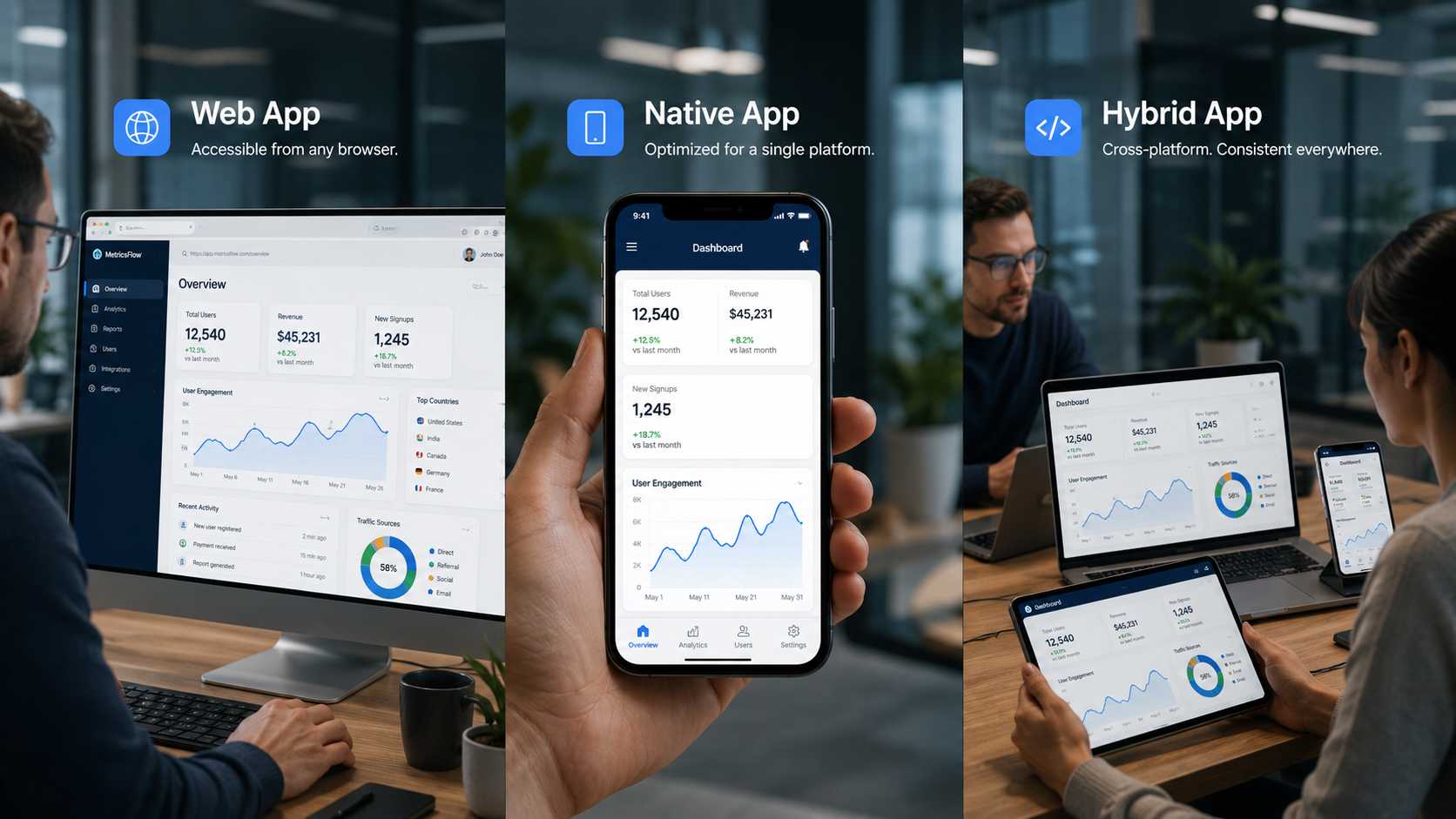
Web vs Native vs Hybrid Apps: Which Should You Choose?
One of the first decisions in any app project is which type to build: web, native, or hybrid. It's not a small choice — it shapes your cost, your timeline, how the app performs, and what it can do. There's no universally "best" type; the right one depends on your goals. This guide explains what each is, the real advantages and drawbacks of each, and how to decide.
The three app types, quickly
- Web app — runs in a browser, built with web technologies (HTML, CSS, JavaScript). Nothing to install; you reach it at a URL.
- Native app — built for one platform with its own language (Swift for iOS, Kotlin for Android), downloaded from the app store.
- Hybrid app — web code wrapped in a native shell (using Ionic with Capacitor), so it installs from the app stores and can use device features while sharing one codebase.
Two related options are worth knowing: Progressive Web Apps (PWAs), an advanced kind of web app that can work offline and install to the home screen without an app store; and cross-platform native frameworks like Flutter and React Native, which share one codebase but render true native UI — a different approach from hybrid (covered in our cross-platform frameworks guide).
At a glance
| Web app | Native app | Hybrid app | |
|---|---|---|---|
| Built with | HTML, CSS, JavaScript | Swift, Kotlin | Web tech + native shell (Ionic/Capacitor) |
| Runs | In a browser | Installed per platform | Installed, one codebase |
| Performance | Good | Highest | Good for most apps |
| Device features | Limited | Full access | Most, via plugins |
| Cost | Lowest | Highest | Low–medium |
| Time to market | Fastest | Slowest | Fast |
| Best for | Content, web services, broad reach | Performance- and hardware-heavy apps | MVPs and multi-platform apps on a budget |
Web apps
Advantages. Web apps run on any device with a browser, so one build reaches everyone — no separate versions, no app-store approval, and updates go live instantly on the server with nothing for users to install. That makes them the cheapest and fastest type to launch, and a strong fit for content-driven services.
Drawbacks. They have limited access to device hardware, generally can't match native performance, don't have an app-store presence (which some users expect), and need a connection unless built as a PWA. For anything demanding or deeply device-integrated, a web app will feel constrained.
Native apps
Advantages. Native apps offer the best performance and the smoothest, most responsive experience, with full access to device features (camera, GPS, sensors, biometrics) and robust offline support. Because they use the platform's own UI, they feel familiar to users, which helps engagement and retention — and they can tap into the strongest platform security features.
Drawbacks. They're the most expensive and slowest to build, because you're effectively building and maintaining two separate apps (iOS and Android), each needing its own specialists. Every update ships twice. For a tight budget or timeline, that cost is the main barrier.
Hybrid apps
Advantages. Hybrid apps share a single codebase across iOS and Android, so they're cheaper and faster to build than native, while still installing from the app stores and reaching device features through plugins. Maintenance is simpler — one fix updates both platforms — which makes hybrid a practical route for MVPs and multi-platform apps on a budget.
Drawbacks. The WebView layer adds a small performance overhead, so hybrid isn't ideal for graphics-heavy or highly demanding apps. Access to some device features depends on third-party plugins that can lag new OS releases, and matching a fully native feel takes effort. For most standard business apps, though, these trade-offs are minor.
How to choose
The right type comes down to your priorities:
- Choose a web app (or PWA) if you want the widest reach at the lowest cost, your app is mostly content or online services, and deep device features aren't essential.
- Choose native if performance, a polished platform-specific experience, or heavy hardware use is central — games, AR, or apps where speed is the selling point — and your budget supports it.
- Choose hybrid if you need both iOS and Android quickly and affordably, and your app is a standard business or content app rather than a performance-critical one.
- Consider cross-platform native (Flutter/React Native) if you want close-to-native quality from a shared codebase — a middle path between hybrid and native.
A common, sensible approach is to start with a hybrid or cross-platform MVP to launch fast and affordably, then move to native for the parts that need it once the product proves out.
Frequently asked questions
What's the difference between web, native, and hybrid apps? A web app runs in a browser; a native app is built for one platform and installed from its app store; a hybrid app uses web code in a native shell to run on both platforms from one codebase. They differ mainly in performance, cost, and device access.
Which is better, native or hybrid? Native offers the best performance and device access but costs more and takes longer, since it's built per platform. Hybrid is cheaper and faster with one codebase, and is well suited to most standard business apps. The better choice depends on your performance needs and budget.
Are React Native and Flutter hybrid frameworks? Not exactly. Hybrid apps render web code in a WebView (Ionic/Capacitor). Flutter and React Native share a codebase but render true native UI, so they're a separate "cross-platform native" category that performs closer to native.
What is a PWA? A Progressive Web App is an advanced web app that can work offline and be installed to the home screen without going through an app store — a middle ground between a web app and a native app.
Which app type is cheapest to build? Web apps are generally the cheapest, followed by hybrid. Native is the most expensive because you build and maintain separate apps for each platform.
Choosing the right app type for your project
Web, native, and hybrid each suit different needs — web for reach and low cost, native for performance, hybrid for an affordable multi-platform build. The best choice starts with your goals, budget, and what the app actually needs to do.
We build all three, plus cross-platform apps, and we'll recommend the type that fits your project rather than a one-size answer. Learn more about our app development services, read our guide to hybrid apps, or get in touch to talk it through.











 Whatsapp
 Email
Email