Job
enquiry:+91-9121642626
Job
enquiry:+91-9121642626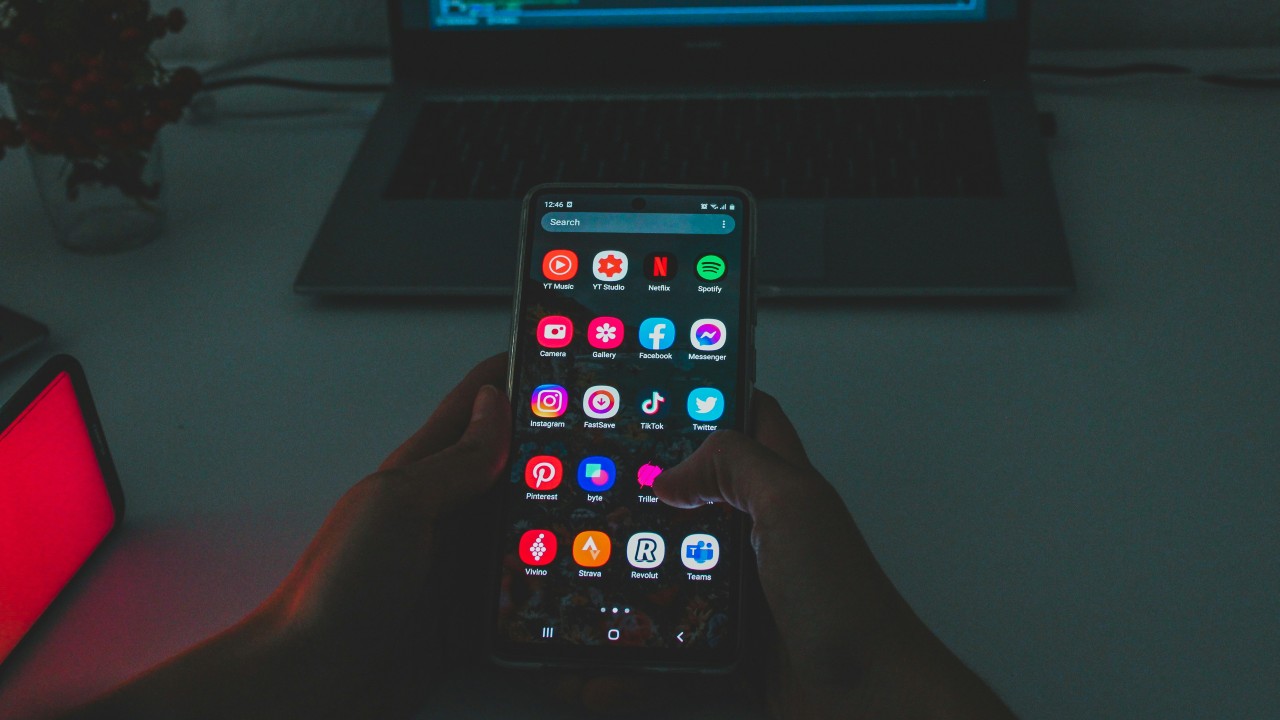
Key Technologies Shaping the Future of Android Development
Android development is changing fast. Really fast.
If you've been building apps for a while, you know what I mean. The stuff we're working with today would've seemed like science fiction just a few years ago. Your phone can recognise your face, predict what you're typing, and talk to your coffee maker. Wild, right?
Here's the thing, though — this isn't just cool tech for the sake of being cool. These changes are shifting how we build apps and what users expect from them. You can't just slap together a basic app anymore and hope it'll compete.
So what's driving all this change? A handful of technologies are really leading the charge. Each one brings something different, but they're all making our apps smarter, more connected, and honestly, more interesting to build. Let's get into why they matter and how they're reshaping what it means to be an Android developer today.
Artificial Intelligence and Machine Learning
AI isn't just a buzzword anymore — it's everywhere in Android development. And thank goodness for that.
Remember when autocorrect was terrible? Now your keyboard practically reads your mind. That's machine learning working behind the scenes, learning from millions of typing patterns to figure out what you actually meant (even when you butcher the spelling).
Google's ML Kit makes this stuff accessible to regular developers like us. You don't need a PhD to add image recognition or language translation to your app. I've seen indie developers build apps that identify plant diseases from a single photo. That's incredible.
But here's what really gets me excited: personalisation that actually works. Netflix knows what you'll binge. Spotify builds playlists that feel handpicked. These aren't accidents — they're AI systems learning from every tap, swipe, and search. And the customer-service angle is huge too. Chatbots used to be a frustrating joke. Now they can handle genuinely complex questions. Users get instant help, businesses save money, and we get to build something that actually improves people's lives.
On-Device AI
There's a specific shift inside that AI story that deserves its own mention: AI is moving onto the phone itself.
Until recently, anything genuinely smart in an app had to phone home to a server — send your data off, wait for an answer, send it back. That works, but it's slower, it needs a connection, and it means your data leaves the device. On-device AI flips that. With models built to run right on the phone — Google's been pushing hard here with Gemini Nano — apps can summarise text, understand images, and suggest replies without sending anything anywhere.
Why does that matter? Three reasons, really. It's faster, because there's no round trip to a server. It works offline. And it's far more private, because your data never leaves your phone. For anything touching personal information, that last one is a big deal. This is one of the most exciting shifts happening right now — the smart features users expect can finally run instantly, privately, and even without a signal.
Jetpack Compose
Here's one I'm surprised more people don't talk about: the way we actually build Android UIs has completely changed, and it's called Jetpack Compose.
For years, building an Android screen meant wrestling with XML layouts in one file and the logic in another, wiring the two together by hand. It worked, but it was tedious, and it was easy to get the two out of sync. Compose threw that whole approach out. Now you build your UI right in Kotlin, describing what the screen should look like, and Compose handles the rest. Change your data, and the UI updates itself.
The difference in day-to-day work is huge — less code, fewer moving parts, and far less of that "why is the layout doing that?" head-scratching. Google now recommends Compose as the default way to build Android UIs, and the ecosystem has caught up fast. It's no longer the risky new kid; it's where Android UI development is heading. If you're starting a new app today, this is the modern foundation — and because it's Kotlin all the way down, it pairs naturally with everything else on this list.
Kotlin
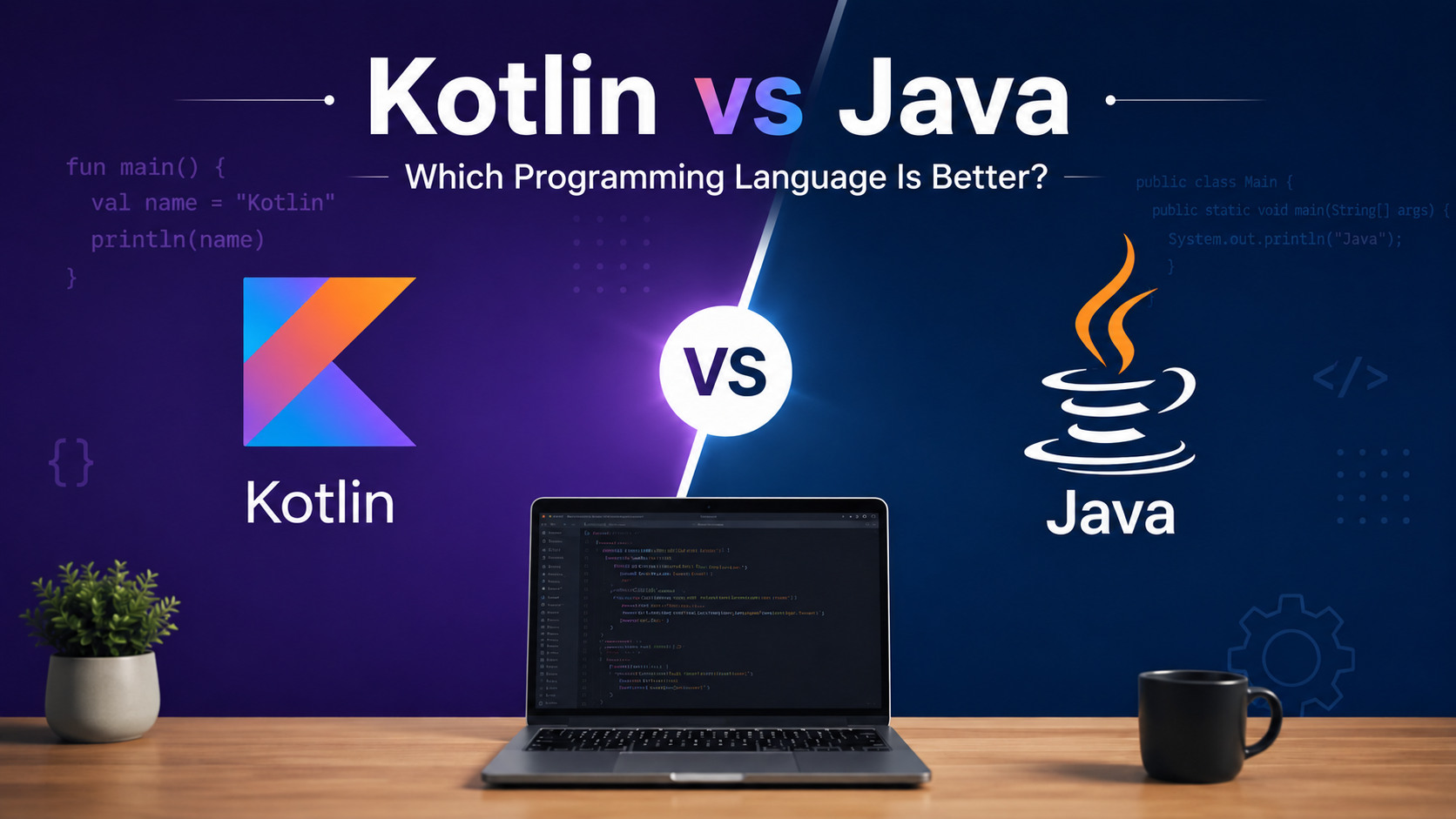
Speaking of Kotlin — Java was getting old. Verbose, clunky, and full of boilerplate that made simple tasks feel like writing a novel.
Kotlin changed everything. Google made it a first-class language for Android back in 2017, and developers haven't looked back. The difference is night and day: what took 20 lines of Java often takes 5 in Kotlin. Less code means fewer bugs, faster development, and easier maintenance. It's that simple.
And the best part? You don't have to throw away your existing Java code. Kotlin plays nicely with Java, so you can migrate gradually instead of rewriting your whole app overnight. Pinterest and Netflix both made the switch and saw real benefits — fewer crashes, cleaner code, happier developers. The null-safety features alone prevent countless runtime errors that would've crashed a Java app. If you're still writing Android apps in pure Java, you're making your life harder than it needs to be.
The Internet of Things (IoT)
IoT sounds fancy, but it's really just about making everyday objects smart. Your thermostat, doorbell, car — they're all getting connected, and Android apps are often the glue holding it together.
Think about controlling your whole entertainment setup from your phone, or your lights, or your thermostat. On its own, any one of those is no big deal. But multiply it across every device in your home, and that's when things get interesting. I've worked on healthcare apps that monitor patients remotely. Farmers check soil-moisture levels from miles away. Smart-city systems tune traffic lights based on real-time data. This isn't future tech — it's happening now.
The data possibilities are what make it exciting. When your app can pull from sensors, weather feeds, and user devices at once, you can build features that respond to the real world in real time. That's a genuine leap for user experience.
Where to start
These technologies aren't trends that'll fade. They're reshaping how we think about mobile development. The apps we build today can learn from behaviour, connect to physical devices, run AI right on the phone, and do it all with cleaner, more efficient code. That's not just evolution — it's a real shift.
Here's my advice: don't try to chase all of them at once. Pick one — maybe add a smart, on-device feature, or rebuild a clunky screen in Compose — and start experimenting. Build a small project. Break things. Learn. The Android ecosystem moves fast, and the developers who lean into these changes are the ones building the apps that matter.
The future of Android development isn't coming. It's already here. The real question is whether you're ready for it.
If you're planning an Android app and want a team that already builds with these technologies, that's exactly what we do. Take a look at our Android app development services, or get in touch — we'd love to hear what you're building.
Frequently asked questions
What technologies are shaping the future of Android development? The biggest forces in 2026 are AI and machine learning, on-device AI (like Gemini Nano), Jetpack Compose for building UIs, the Kotlin language, and IoT connectivity. Together they're making Android apps smarter, faster, more private, and quicker to build.
Is Kotlin replacing Java for Android development? Largely, yes. Google made Kotlin its preferred Android language in 2017, and it's now the default choice for new development thanks to cleaner, more concise code and strong safety features. Kotlin works alongside existing Java, so teams can migrate gradually.
What is Jetpack Compose? Jetpack Compose is Google's modern toolkit for building Android user interfaces. Instead of separate XML layouts, you build the UI directly in Kotlin, and it updates automatically as your data changes. It's now the recommended way to build Android UIs.
What is on-device AI? On-device AI runs machine-learning models directly on the phone rather than on a remote server. That makes AI features faster, able to work offline, and more private, since your data never leaves the device.
Why is AI important in Android development? AI powers the personalised, predictive experiences users now expect — smart suggestions, recommendations, image and language understanding, and helpful chat support. Tools like Google's ML Kit make these capabilities accessible to everyday developers.







 Whatsapp
 Email
Email