Job
enquiry:+91-9121642626
Job
enquiry:+91-9121642626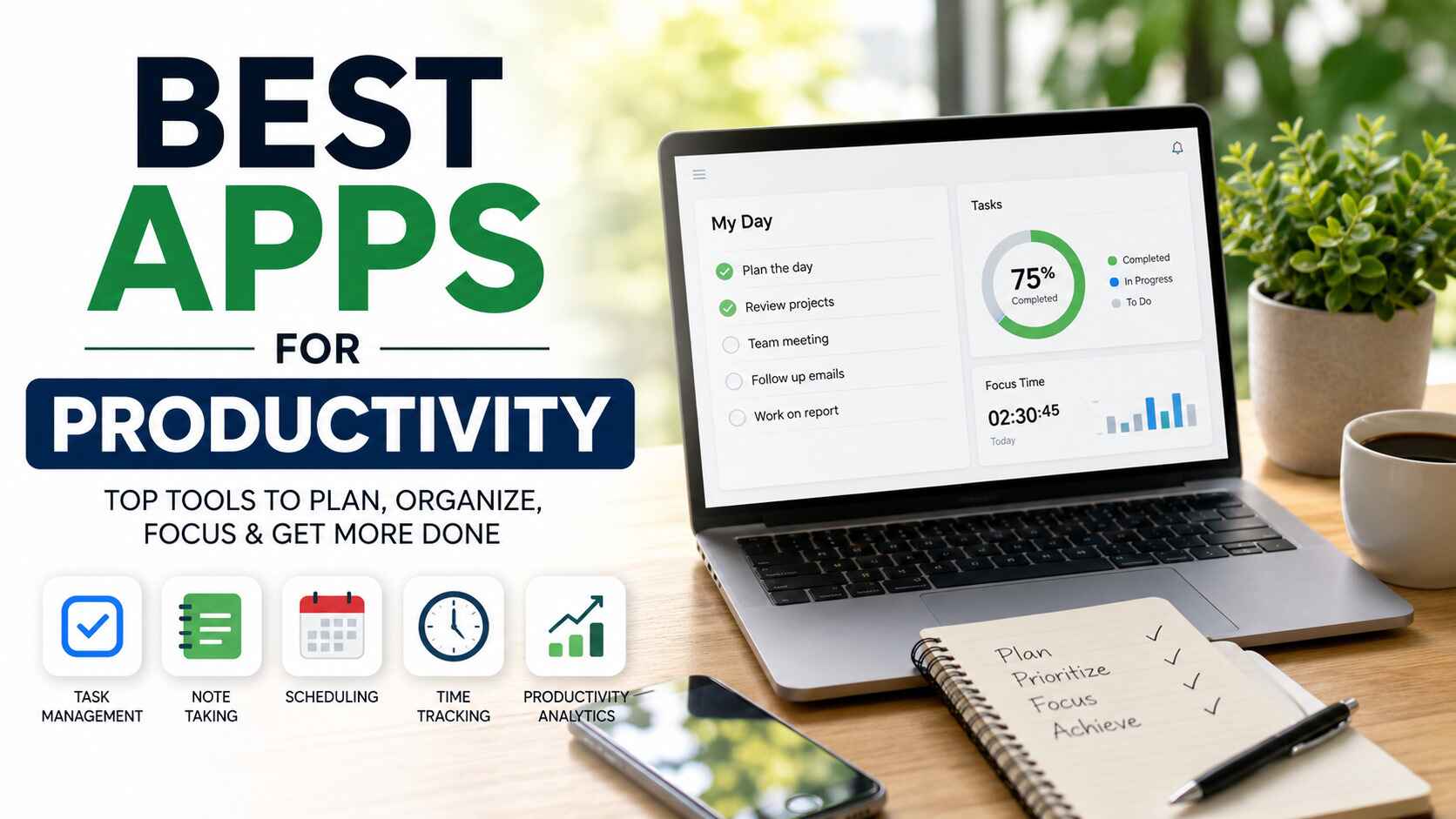
Best Apps for Productivity: Top 20 Tools to Boost Efficiency
The perfect productivity app will help you to manage your tasks, enhance cooperation, project management, automate your processes, and save a great deal of time.No matter whether you are a student, freelancer, businessman or employee of a corporation, the best productivity apps can become useful for you in your work, studying, private life, or business growth.
Best Apps for Productivity: Top 20 Apps You Should Try
The development of technology has affected our working process. Rather than keeping track of everything using several notes, spreadsheets, e-mails, and calendars, you can now use modern productivity apps for all these things.
Choosing the proper productivity application depends on individual workflows, type of the business and collaboration. Certain applications help users communicate with coworkers, some allow to make a plan for projects, some are helpful in creating schedules, some in keeping attendance, some are useful in writing, some are for managing emails. Here is the list of the most efficient productivity applications that can be used to increase your efficiency.
Troop Messenger – Best Team Communication App
Troop Messenger is a highly secured messaging application designed specifically for enterprises that need flawless communication between different departments. It provides users with opportunities for making one-on-one chats, group chats, file transferring, voice and video calls, screen-sharing and other collaboration tools in one application.
It is important to emphasize that Troop Messenger is not a usual messaging application. It is intended to provide communication in work environment and features advanced security and management tools.
Key Features
- Secure business messaging
- HD voice and video calling
- Screen sharing
- File sharing
- Team collaboration tools
- Enterprise-level security
Click2Magic – Best AI Customer Engagement App
With the help of Click2Magic, businesses can use intelligence automation to make their customer engagement more effective. Click2Magic enables organizations to automate conversations, gather leads, reply immediately, and manage all the communications with customers.
For those companies who receive plenty of customer inquiries, it is possible to cut down the time of responding to these inquiries and increase engagement rates. With the help of AI assistance and automation, Click2Magic helps sales, marketing, and customer service teams become more efficient.
Key Features
- AI-powered customer interactions
- Automated lead generation
- Automation of customer support
- Automation of workflow
- CRM integration
- Analytics for business
Attendance AI – Best AI Attendance Management App
Using Attendance AI, companies are able to automate the process of employee attendance monitoring without having to resort to manual processes. It will be possible to control attendance, vacation requests, work schedule, and employees’ reports all from one dashboard.
Key Features
- AI attendance tracking
- Leave management
- Shift scheduling
- Employee reports
- Payroll integration
- Cloud-based dashboard
Taskity – Best Task Management App
Taskity is an application that allows people and groups to manage their projects, prioritize them, and monitor tasks without any difficulties. Planning your projects becomes easy and ensures that deadlines will not be forgotten.
Managers can delegate tasks, monitor the process, collaborate with teams and get notifications about progress. No matter if you run a startup or a growing business, Taskity will assist you in organizing routine tasks.
Key Features
- Task delegation
- Tracking of progress
- Project schedule
- Team collaboration
- Deadline reminders
- Workflow management
ClapMessenger – Best Business Messaging App
ClapMessenger allows communicating and collaborating within the company in a secure environment. Employees can message each other, exchange documents, make chat rooms, and coordinate projects without using several communication applications.
Key Features
- Instant messaging
- Secure communication
- Team channels
- File sharing
- Group discussions
- Business collaboration
MailTrim – Best Email Management App
Email management takes several hours in a week. MailTrim assists in maintaining the cleanliness of the email inbox by organizing the conversation, filtering out the emails, and ensuring the focus of the users on the pertinent emails only.
The business person receives hundreds of emails daily; he/she could be benefitted from it by gaining more productivity due to reduced distractions and cleaning of the email inbox.
Key Features
- Email management
- Advanced filtering
- Organizing Inbox
- Email categorization
- Productivity Dashboard
- Workflow Automation
Notion – Best All-in-One Workspace
Notion is an all-rounder workspace where users can note down, organize the projects, document the things, make databases and collaborate. It is used for making knowledge bases, managing projects, taking meeting notes and documenting companies.
The customizable interface allows the user to organize workflow according to the requirements.
Key Features
- Notes and documentation
- Project planning
- Databases
- Team collaboration
- Templates
- Knowledge management
ClickUp – Best Project Management App
ClickUp is one of the most sophisticated productivity tools in today’s market. It brings together all such features like task management, project planning, goal tracking, documentation, reporting, and automation in a single platform.
The companies love using ClickUp due to its ability to save money on several subscription plans while providing visibility about project progress.
Key Features
- project management
- task automation
- goal tracking
- dashboards
- time tracking
- team collaboration.
Asana – Best Team Collaboration Tool
With Asana, people can manage their projects effectively by delegating tasks and managing deadlines. Its visual project boards and timelines help to track progress without frequent checking.
It can be used by any company regardless of its size.
Key Features
- Tasks creation
- Timeline management
- Automation of processes
- Collaboration
- Projects monitoring
- Dashboards
Trello – Best Kanban Project Management App
Trello uses an intuitive Kanban Board technique to simplify project management. There are boards, lists, and cards that help to manage all stages of the project.
The drag-and-drop system of Trello makes the application easy-to-use for beginners and flexible for advanced project managers.
Key Features
- Kanban Boards
- Tasks Cards
- Collaboration
- Checklists
- Visualization of Workflow
- Projects Organization
Todoist – Best Personal Task Manager
Todoist helps to organize personal daily schedule through creating lists of tasks, receiving notifications, recurrent activities, setting priorities, and other options. This program works effectively for people that have both work and private tasks to be managed.
The program offers cross-platform sync so that you stay productive working on PC, phone, or tablet.
Key Features
- Task list for the day
- Reminder alerts
- Prioritization features
- Tasks repeat
- Tracking productivity
- Cross-device sync
Microsoft OneNote – Best Note-Taking App
Microsoft OneNote provides a digital notebook where the user can write down ideas, notes from meetings, research, images, handwritten notes, and documents all in one organized space.
For students, it is used for taking lecture notes, whereas professionals use it for writing down projects and notes from meetings. Its integration with Microsoft Office makes it a great choice for businesses using Microsoft products.
Key Features
- Digital notebooks
- Handwriting notes
- Images capability
- Recording audio
- Cloud-based sync
- Microsoft Office integration
Evernote – Best Digital Notebook
For professionals, researchers, and students, Evernote continues to remain one of the most trustworthy note-taking applications. Evernote enables you to capture your thoughts, bookmark websites, scan files, and create notes using digital notebooks. All this is synced through the cloud, which means that it becomes easy for you to access your notes from any device. Evernote’s search capability ensures that the process of looking for notes becomes incredibly easy, even from scanned files and PDFs. Evernote is an ideal place to store all of your research/business files.
Key Features
- Digital Notebook
- Scanning of Documents
- Web Clipper
- Cloud-based Synchronization
- Search Capabilities
- Availability on Multiple Devices
Google Keep – Best Quick Note-Taking App
It is a perfect choice for people, who are looking for a fast and efficient note-taking service. In this application, users can quickly create checklists, voice notes, reminders and even use color-coded notes. As the Google Keep is integrated with Google Workspace, you will be able to access notes using Android, iPhone and desktop applications.
Doesn’t matter whether it is shopping lists, meeting notes or any thoughts that come to your mind – this program will give you both simplicity and convenience.
Key Features
- Quick notes
- Voice memos
- Checklists
- Reminders
- Color labels
- Integrations with Google Workspace
Google Calendar – Best Calendar & Scheduling App
With the help of this service, people and businesses can conveniently manage their meetings, appointments, deadlines and other events. All schedules will be synchronized automatically on all your devices and allow sharing calendars with your colleagues or relatives.
Its integration with Gmail and Google Meet makes meeting scheduling easy.
Key Features
- Scheduling appointments
- Shared calendar
- Appointment reminders
- Integration with Google Meet
- Use of multiple calendars
- Synchronization between different platforms
Slack – Best Workplace Communication App
Slack is one of the most widely used workplace communication software solutions that business firms use across the globe. Slack provides an opportunity for teams to create channels for different projects, departments, or clients and share files instantly.
Since Slack is capable of integrating with many other apps, it is easy to get all notifications in one place without using different platforms.
Key Features
- Channels for teams
- Instant messaging
- Voice and video calls
- File sharing
- Workflows automation
- Applications integration
Microsoft Teams – Best Business Collaboration Platform
Microsoft Teams combines messaging, meetings, file sharing, and collaboration under the Microsoft 365 umbrella. This solution provides the ability to conduct virtual meetings, collaborate on files, and communicate anywhere.
For firms that use Microsoft Office applications, it is easy to collaborate using Microsoft Teams.
Key Features
- Video conferencing
- Group chatting
- File collaboration
- Microsoft 365 integration
- Screen sharing
- Recording
Clockify – Best Time Tracking App
The Clockify application helps freelancers, agencies, and organizations calculate the time that their employees spend on various projects. This tool allows for improved accuracy of time tracking and improves invoice creation, project management, and analysis of productivity.
Managers will be able to get detailed data regarding the work performed by their teams, and users will know how to optimize their work.
Key Features
- Time tracking
- Project reporting
- Billable hours
- Team management
- Productivity reporting
- Timesheets
Grammarly – Best AI Writing Assistant
With Grammarly, users can communicate effectively because it checks errors in grammar, spelling, punctuation, and readability.
Key Features
- Grammar Checker
- Spelling Checker
- Writing tips
- Tone Determination
- Plagiarism Detection
- Browser Extension
RescueTime – Best Productivity & Focus Tracking App
This application tracks users' activities in the applications and sites they visit. Reports generated by RescueTime include productivity trends, distraction areas, and improvement areas.
By knowing about the routines, you can choose to schedule and avoid distractions as well as improve your focus.
Key Features
- Automatic time tracking
- Focus report
- Productivity analysis
- Website monitoring
- Goals tracking
- Performance analytics
Why Use the Best Apps for Productivity?
The productivity tools today go beyond just having a to-do list. They simplify communication, increase collaboration, automate routines, and help manage your time better. Whether it is a freelance or organizational task, selecting the right tool will boost your productivity.
Improve Time Management
Productivity software facilitates organizing tasks, prioritizing important activities and cutting down time on repetitive operations. Reminders, calendars and automation prevent any delay in meeting deadlines.
Simplify Task Management
It becomes much easier to manage several projects at once thanks to the organization of tasks into workflows. Tasks, project progress and deadlines stay visible to all members.
Enhance Team Collaboration
Delay is not possible when communication software enables instant messaging, video calls, document sharing and collaborative spaces.
Increase Workplace Productivity
Companies increase their efficiency due to reduced time spent on switching from one application to another and performing meaningful work.
Automate Daily Workflows
Automation helps cut down manual labor through handling of repetitive procedures, such as attendance, customer engagement, emails management, scheduling and reporting.
Best Apps for Productivity by Category
Users require various solutions when it comes to productivity tools. It makes sense to choose software according to the use case.
Best Apps for Productivity for Team Collaboration
- Troop Messenger
- Slack
- Microsoft Teams
- Asana
Best Apps for Productivity for Task Management
- Taskity
- Todoist
- ClickUp
- Trello
Best Apps for Productivity for Project Management
- ClickUp
- Asana
- Trello
- Notion
Best Apps for Productivity for Note-Taking
- Microsoft OneNote
- Evernote
- Google Keep
- Notion
Best Apps for Productivity for Email Management
- MailTrim
- Gmail
- Outlook
Best Apps for Productivity for Time Tracking
- Clockify
- RescueTime
Best Apps for Productivity for AI Automation
- Click2Magic
- Attendance AI
- Grammarly
Best Apps for Productivity for Business Communication
- Troop Messenger
- ClapMessenger
- Slack
- Microsoft Teams
How to Choose the Best Apps for Productivity
Each person chooses a productivity software tool according to their working style, organizational goals, and collaboration approaches. It is essential to analyze each program carefully before selecting one.
Consider Your Work Requirements
It needs to be determined what type of software is needed to perform communication, project management, note-taking, scheduling, task automation, or tracking time spent on tasks.
Compare Features and Integrations
It is necessary to find out which applications work in conjunction with other services such as Google Workspace, Microsoft 365, CRM systems, and cloud storage platforms.
Check Pricing and Scalability
Free software is suitable for personal usage, while companies require scalable solutions and more advanced features provided by paid subscriptions.
Evaluate Security and Data Privacy
Software providers have to provide you with some safety options, including data encryption, secure login methods, and permissions of your colleagues.
Test Free Trials Before Purchasing
Most productivity software tools provide free trials or plans of the product.
Conclusion
To choose the most effective productivity apps, it is not necessary to download every popular app existing. To make life easy, one should discover which type of application would be the most appropriate. It all depends on the type of activities, business objectives, and the need for collaboration. While someone will need apps for project management, others will require other types of software.
Some examples of modern applications making people's lives easier are Troop Messenger, Click2Magic, Attendance AI, Taskity, ClapMessenger, MailTrim, ClickUp, Notion, Slack, Microsoft Teams, and Clockify. With the help of the right software, people become more productive.
FAQ's
1.What are the best apps for productivity?
The list of the best productivity apps is composed of Troop Messenger, Click2Magic, Attendance AI, Taskity, MailTrim, Notion, ClickUp, Asana, Trello, Todoist, Microsoft OneNote, Evernote, Google Keep, Google Calendar, Slack, Microsoft Teams, Clockify, Grammarly, and RescueTime. These apps specialize in various spheres of productivity.
2.Which productivity app is best for businesses?
Business organizations need different applications that can support communications, project management, collaboration, and automation. For communication, one can use Troop Messenger; for project management – ClickUp; for workforce management – Attendance AI; for customer engagement – Click2Magic; and for email management – MailTrim. Such applications can help business organizations increase efficiency, minimize the manual process, facilitate collaboration and increase productivity of their employees.
3.Are there free productivity apps available?
Yes. There are many productivity applications that provide free applications for the basic features of the applications. Some of such applications are Google Keep, Google Calendar, Microsoft OneNote, Trello, Todoist, Clockify, Slack, and Notion. These applications have free versions that can be used by individuals and small teams. When your requirements become more complex, you can subscribe to their premium versions.
4.Which productivity app is best for remote teams?
The productivity apps that offer integration of all aspects including communications, collaboration, task management, and file sharing would be best for remote teams. Apps such as Troop Messenger, Slack, Microsoft Teams, ClickUp, Asana, and Notion enable team members to collaborate with each other, assign tasks, conduct online meetings, share files and manage the status of project progress. These apps help in overcoming communication barriers, improve accountability and ensure that team members remain connected no matter where they are located geographically.
5.How do productivity apps improve workflow?
These apps facilitate in streamlining workflow by organizing tasks, effective communication, automating processes, monitoring progress in task completion, scheduling activities and reducing manual efforts. They help users in setting priorities for their tasks, collaborate efficiently, eliminate any unnecessary delays, and provide insights about ongoing tasks. These apps help users in taking better decisions, improve efficiency, reduce distractions and organize their work life daily.









 Whatsapp
 Email
Email